

Usually you don’t need to. If you record while following a hike (you tapped Start Navigation on it, or picked it as your guide from Record > More), that hike is marked as completed automatically once the recording is saved and uploaded. This started in May 2026, so tick off hikes from older recordings yourself.
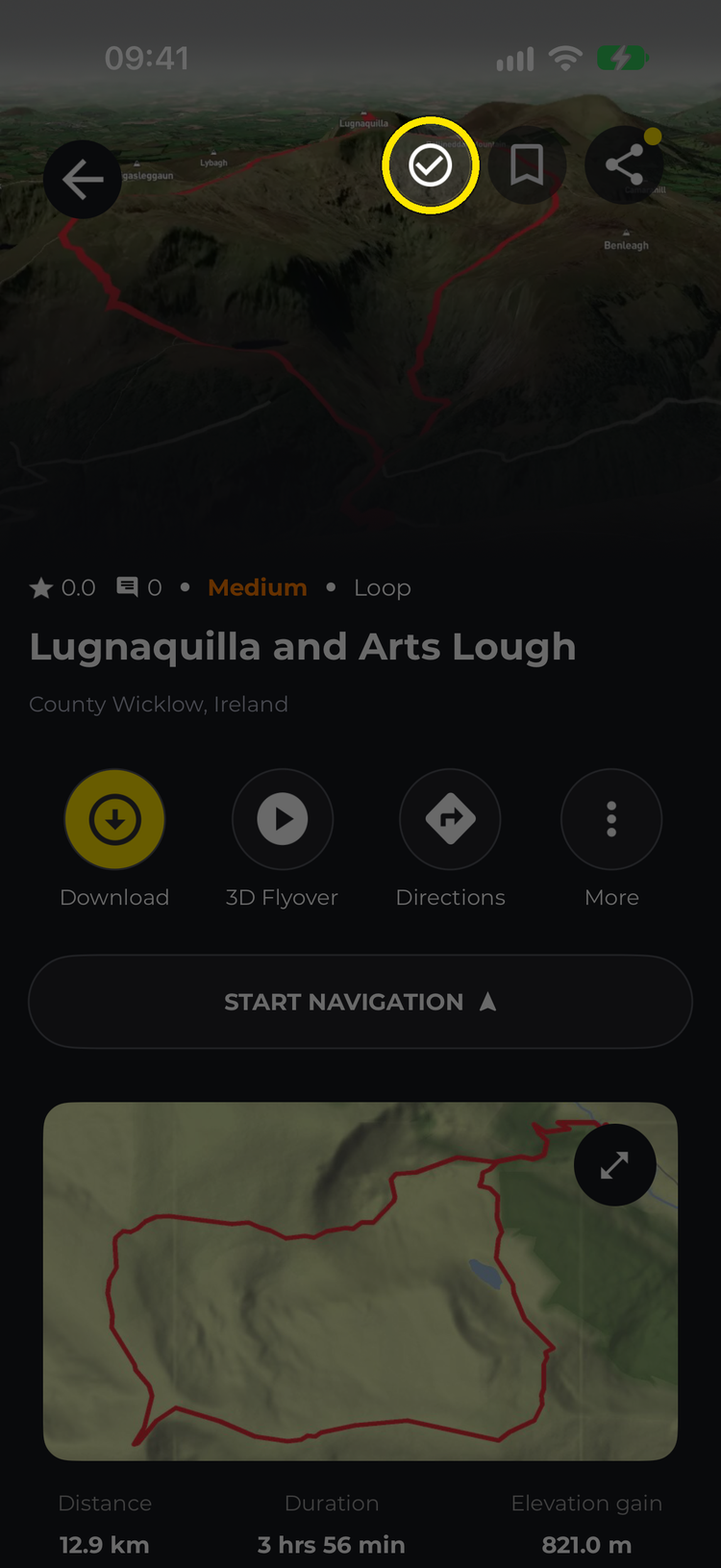
Otherwise the two stay separate. A recording is the record of a hike you did, and recordings are what count towards your stats. “Completed hikes” is a checklist of official or planned HiiKER hikes, and a recording made without a hike as its guide doesn’t tick anything off. To mark a hike yourself, open it, tap the checkmark, choose the day you finished and tap Mark as completed.
Want to re-walk or share the route of a recording? Turn its track into a planned hike. In the app, open the recording, tap More and choose Open in Planner (Open in Hike Planner on Android), then save it. On the website, open the recording and choose More > Copy to My Hikes.
