

Switch on Hide offline map bounds in Maps > More > Map settings.
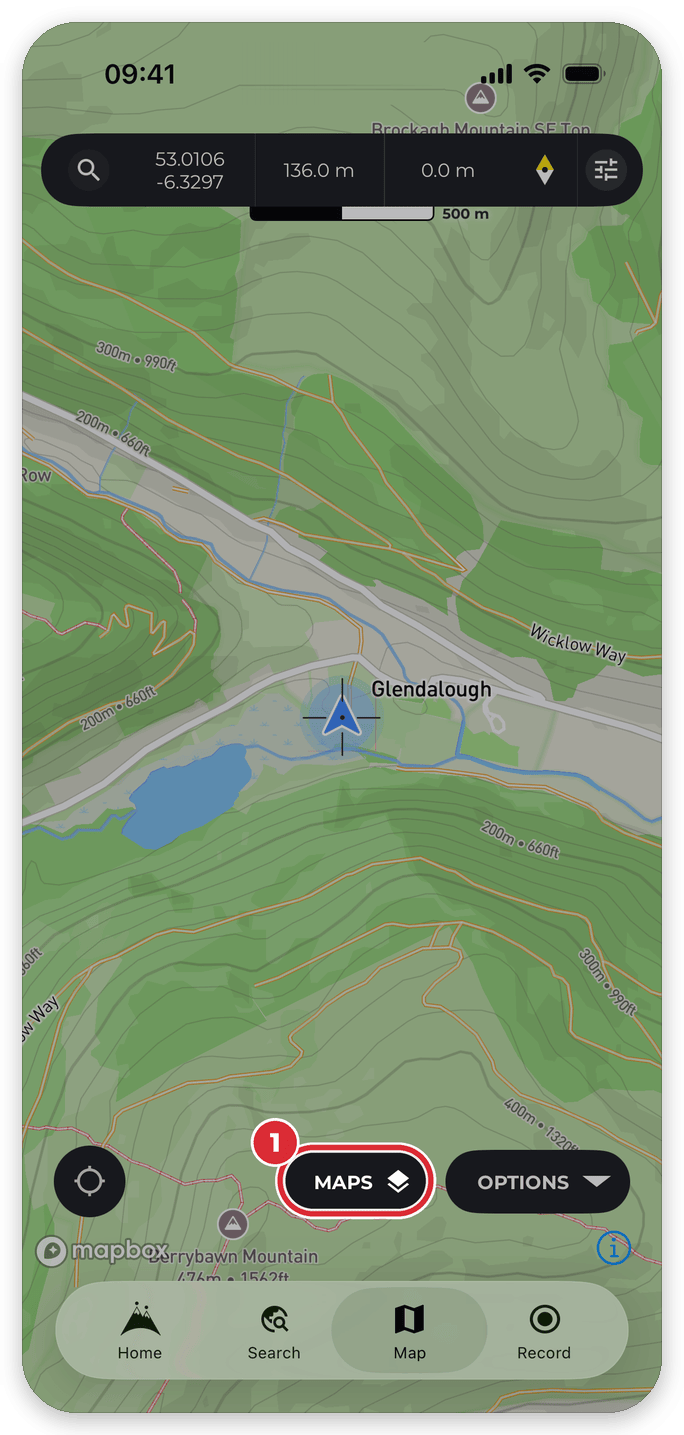
The orange dashed outlines show the areas you’ve downloaded for offline use. If you have a lot of them, or you’ve checked your offline maps are working, you can hide them:
- On any map, tap Maps.
- Tap More.
- Tap Map settings.
- Switch on Hide offline map bounds.


Your downloads aren’t affected. Switch the setting off again to bring the outlines back. You’ll also find it at Home > settings > App Settings > Customize > Offline Map Bounds.