

Mark them complete rather than deleting them: open the hike, tap the checkmark at the top of its page, choose the day you finished and tap Mark as completed. The hike moves to your Completed list (Home > My Hike Lists > Completed) and is hidden from My Planned Hikes.
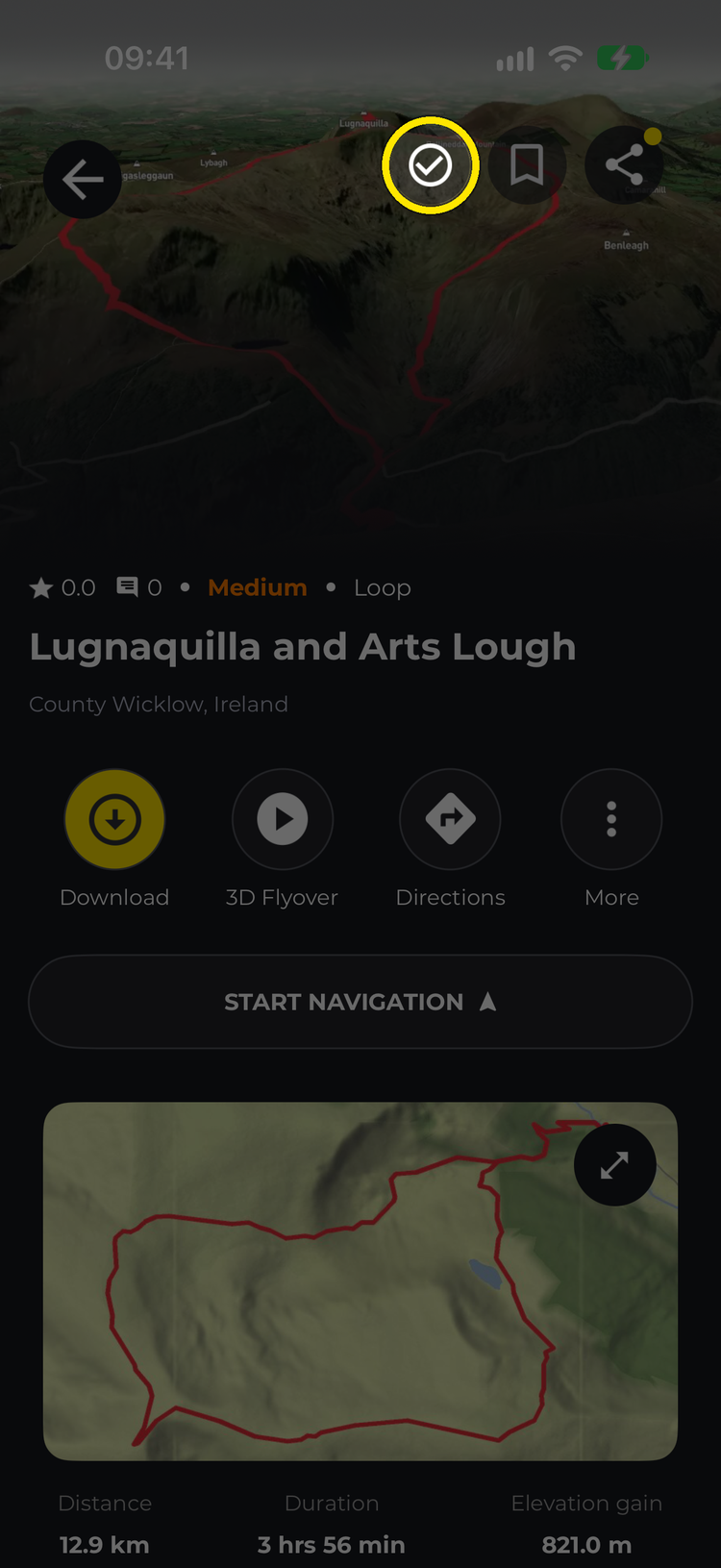
Tap the checkmark

Pick the day and tap Mark as completed
The Hide completed chip at the top of your planned hikes only hides hikes you’ve marked complete this way — tap it to show them again. In the Completed list you can search and filter your completed hikes like any other hike list.
