
There are a lot of features in HiiKER, so it can be tricky to learn the ins and outs, particularly if you’re coming from a different app.
Start with HiiKER 101 at hiiker.app/101: six short videos on finding your location, changing maps, searching for a hike, downloading offline maps, planning a custom hike and using the map information bar. No account needed.
The same quick tutorials, plus a few more (like using POIs and adding waypoints), are in our YouTube playlist: HiiKER App tutorials.
If you’d like something more in-depth, Pete and Paul recorded a series of live webinars that go into lots of detail — from The Basics and Advanced Hike Planning to the navigation toolkit, the HiiKER website and digital maps: HiiKER webinars on YouTube.
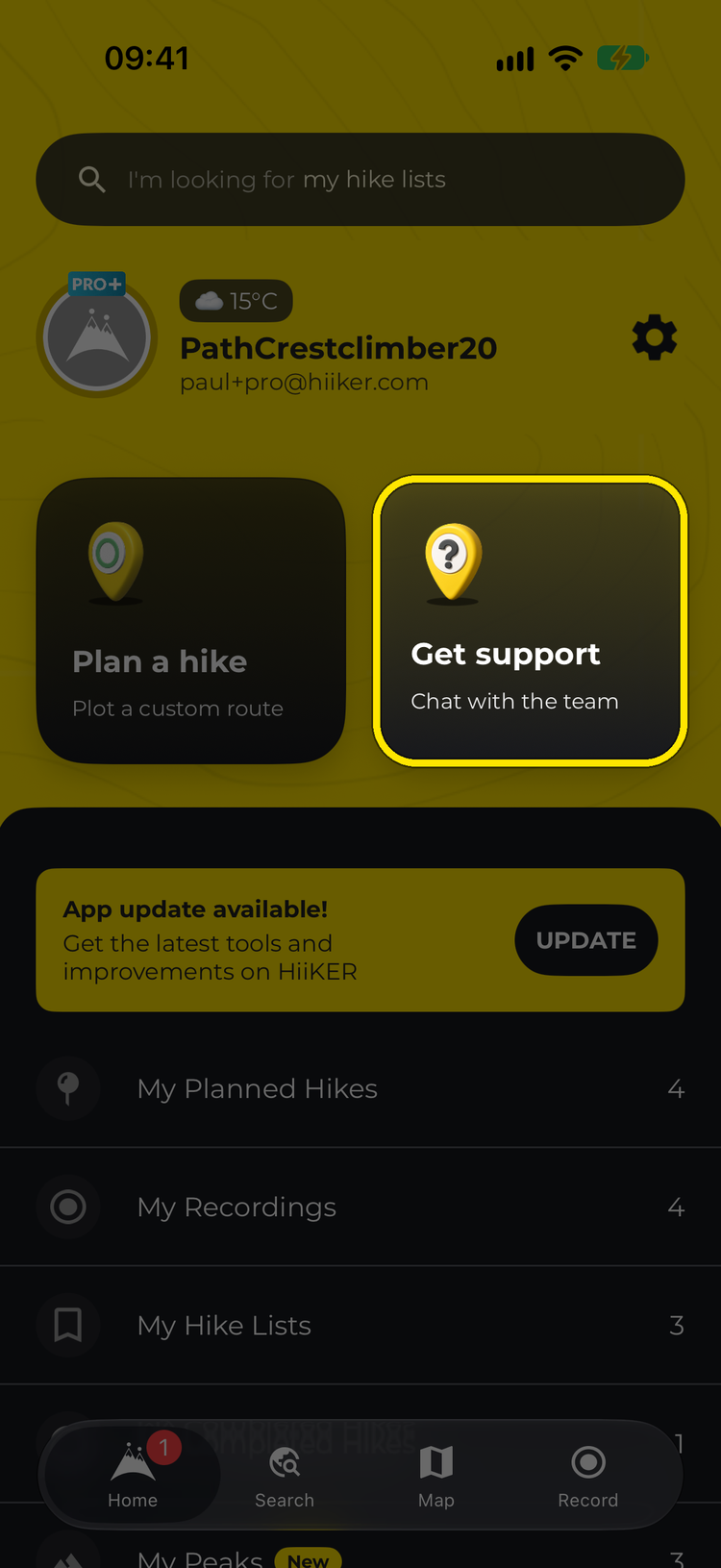
Stuck on something specific? Tap Get support on the app’s Home tab to chat with the team, or search this help centre — in the app it’s under App Settings > Help.