

Off-route warnings are a PRO+ feature (a free account gets one warning to try them). You’ll only get one when all of these are true:
- Warnings are switched on. They’re on by default. Check Home > Settings > App Settings > Customize > Off route warnings (Off route warning on Android), or the Off route warnings toggle in the map’s Options. Tapping MUTE WARNINGS on a warning switches them off until you turn them back on.
- You’re recording with a route to follow. You tapped Start Navigation on a hike, or chose a guide from Record > More.
- You were on the route first. Warnings start once you’ve joined the route, so setting off from somewhere else won’t trigger one.
- You’re further from the route than your warning distance. The default is 50 m (Very High). In the same setting you can choose 300 m, 200 m, 100 m, 50 m or 25 m.
- Your GPS signal is good enough. HiiKER ignores inaccurate readings (at the default setting, anything worse than about ±30 m) and waits for three off-route readings in a row, so a single GPS jump under trees doesn’t set it off.
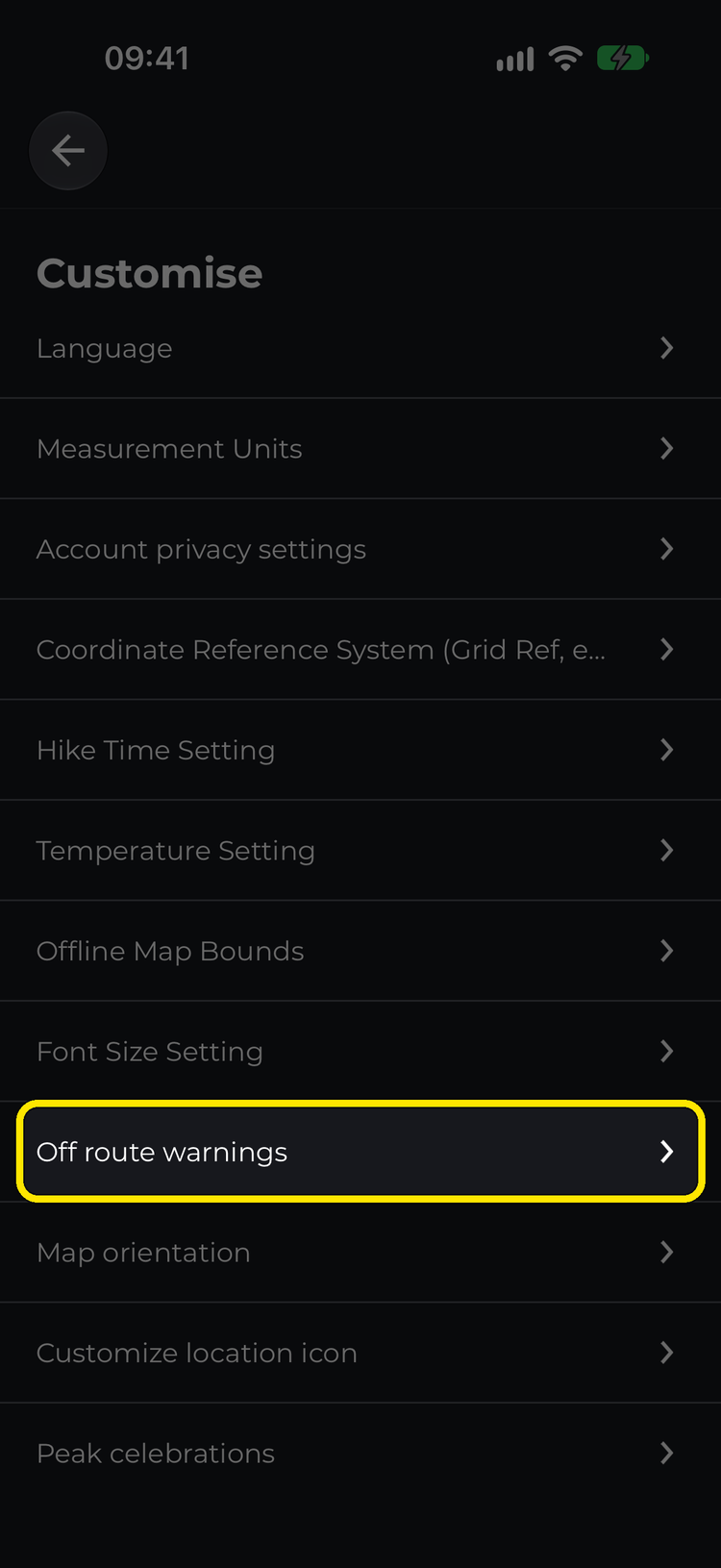
Customize > Off route warnings

Switch it on and set the sensitivity

Or switch it on from the map’s Options
When a warning fires, HiiKER shows a You’ve wandered off the trail screen with GUIDE ME BACK TO THE TRAIL and GUIDE ME TO THE FINISH, and sends a notification to your phone. Allow notifications for HiiKER, and remember you won’t hear one if your phone is on silent. If you’re using turn-by-turn navigation with voice on, the warning is spoken too.
On iPhone you’re warned again every 2 minutes while you stay off the route. On Android you get one warning, and the next one waits until you’ve rejoined the route.
Walking the route in the opposite direction doesn’t trigger a warning, because you’re still on it.
To test it, plan a short route near home, start navigating, walk along it for a minute, then walk 60 m or more away from it.
Related: How to Use HiiKER’s Off-Route Warnings Feature