

You can make all your hikes and recordings private in one go, in the app or on the website. Before you do: this can’t be undone in one step. To make anything public again afterwards, you’ll need to change the privacy of each hike or recording individually.
In the app
- Go to the Home tab and tap the settings icon (the gear at the top right).
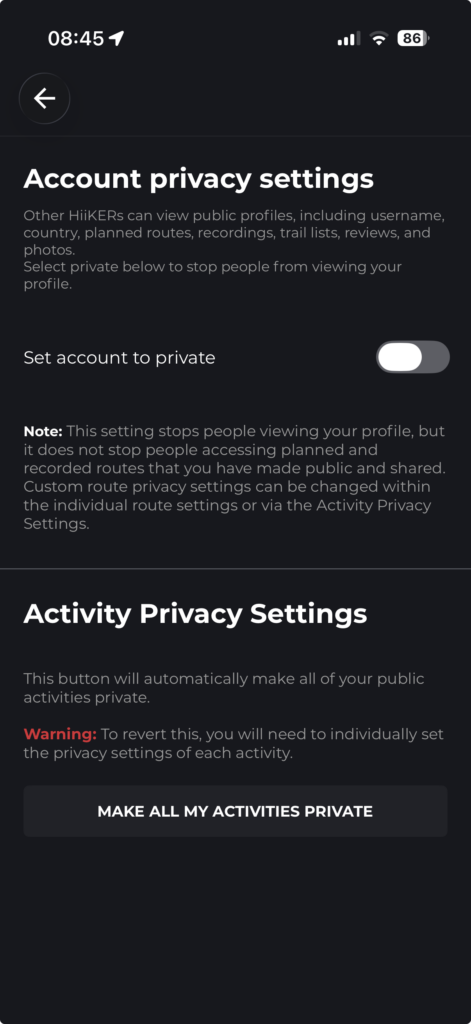
- Tap App Settings > Customize > Account privacy settings (Android: Account Privacy Settings, at the bottom of the list).
- Tap MAKE ALL MY ACTIVITIES PRIVATE (Android: Make all my activities private) and confirm.
On iPhone this also makes your waypoints private.
On the website
- Go to hiiker.app/user/settings (My Account Settings in your profile sidebar).
- Scroll to the Danger zone section at the bottom and click Make all recordings and hikes private.
- Click Yes! I want to make all my recordings and hikes private and confirm.

Want to hide your profile too? Turn on Set account to private on the same app screen (on the website: Make my account private). See Edit your profile information on HiiKER.