

Your subscription is tied to the exact HiiKER account (email address) used at purchase — not to your phone or app store account. Work through these in order:
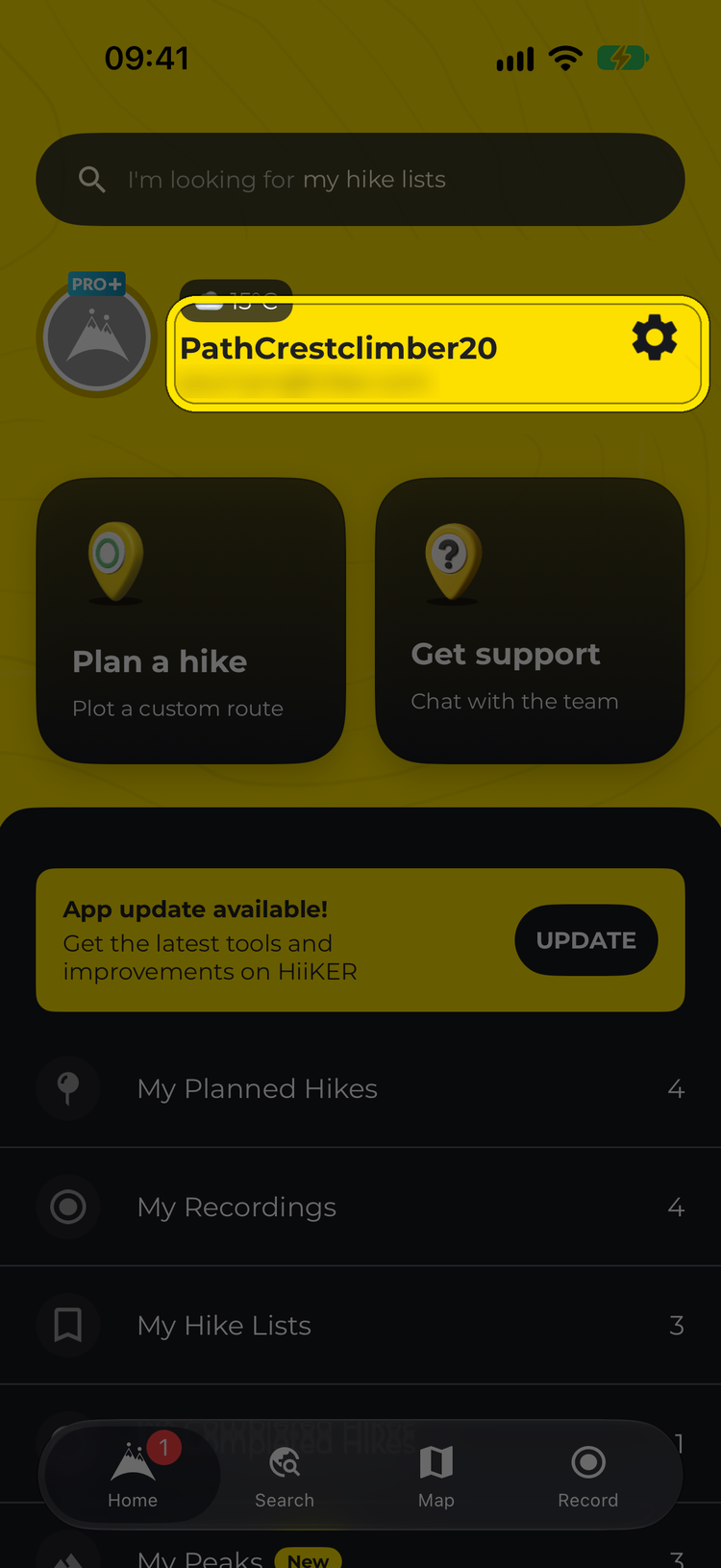
- Check which email you’re signed in with — it’s shown next to your profile picture on the Home tab. Signing in with Apple can create a hidden @privaterelay.appleid.com address, and continuing without an account (or skipping sign-in) creates an anonymous account that isn’t attached to your own email.
- Log out (Home > Settings (gear icon) > Logout) and log back in with the exact email you purchased with. You can reset your password at hiiker.app/password-reset. Logging out clears offline downloads from that phone, so you may need to download them again.
- After a website purchase, logging out and back in — or force-closing and reopening the app — refreshes your subscription.
- Still nothing? Go to Home > Settings > App Settings > Purchases and Subscriptions (iPhone) or Purchases (Android), and tap Restore Purchases.

If none of that works, message us in chat (tap Get support on the Home tab) — we can look up which email your purchase is under and transfer a subscription between accounts for you. (A Google Play purchase attaches to whichever HiiKER account was logged into the app at the time — worth checking if someone else’s account was signed in.)
More help: Restore purchases