

It’s most likely hidden in the map settings: tap the settings icon on the map information bar, scroll down and switch Hide current location marker off.
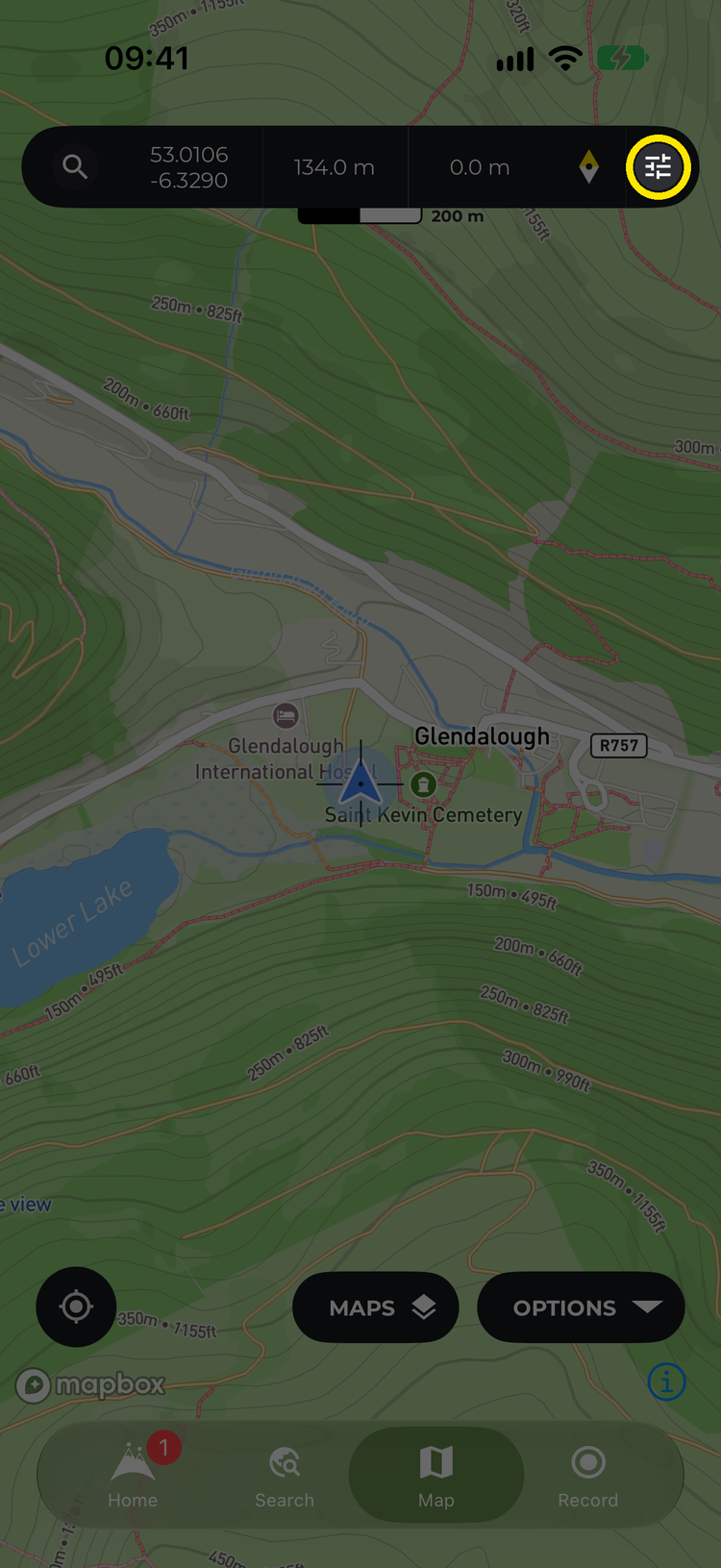
Tap the settings icon on the map information bar

Make sure Hide current location marker is off
That setting is easy to turn on by accident — and handy on purpose if you’re practising your navigation skills.
If it’s the buttons that have gone rather than the dot, you’ve probably tapped the map once, which hides them for a full-screen view. Tap the map again to bring them back.
Still no dot? Check that HiiKER is allowed to use your location in your phone’s settings. See Show Location.