

The HiiKER watch app runs on Apple Watch and Wear OS watches, and it has its own offline maps. See HiiKER Watch App: Complete Guide.
Garmin: connect your Garmin account to HiiKER, then send the hike straight to Garmin Connect as a course. In the app, open the hike, tap More and choose Send to GPS (iPhone) or Send to GPS Device (Android). The course syncs to your Garmin the next time it connects. On the website, see Sending routes to your Garmin from the HiiKER website.
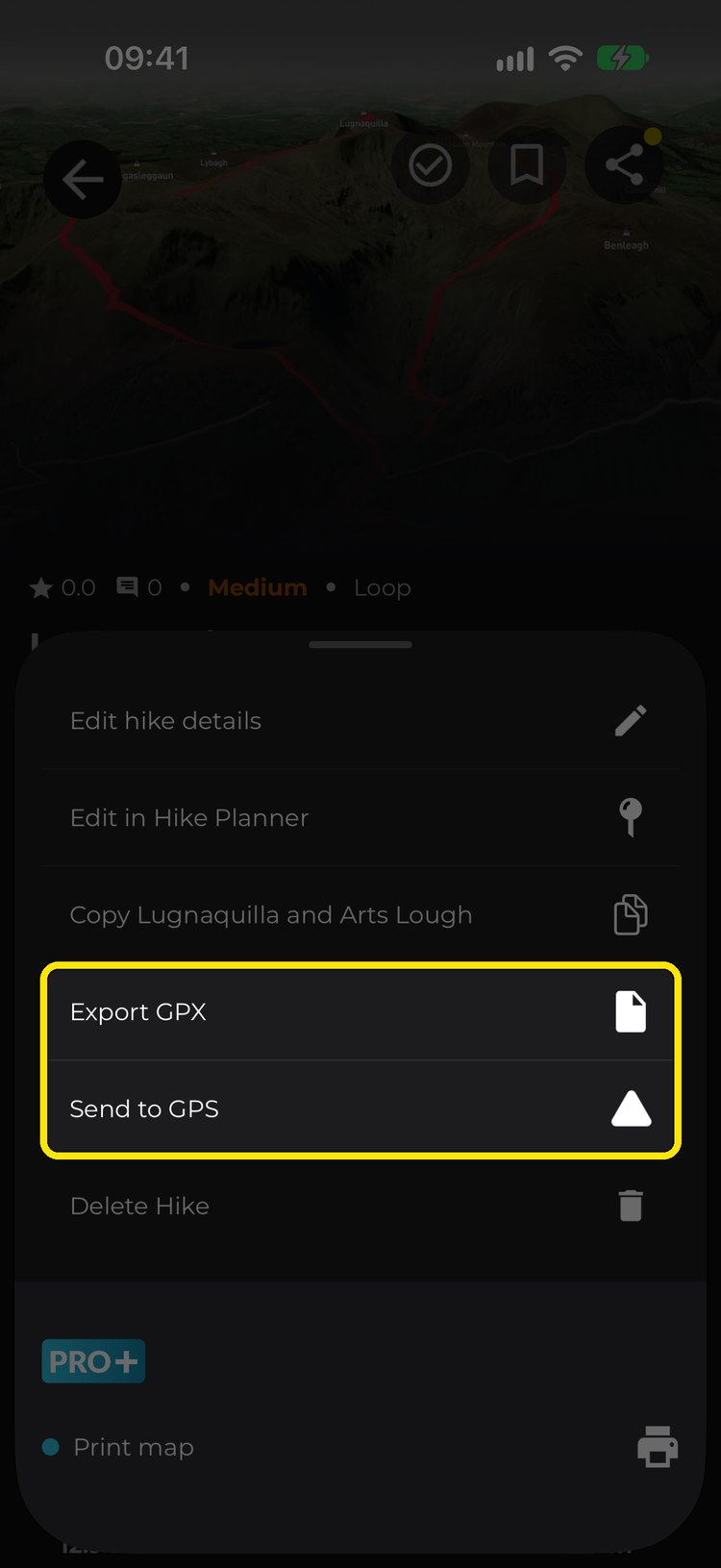
Any other watch, such as Coros or Huawei: open the hike, tap More > Export GPX, and import the file with your watch’s own app. The route transfers this way, but HiiKER’s map tiles can’t be sent to other brands of watch.
Galaxy Watch tip: if HiiKER keeps returning to the watch face when you raise your wrist, set watch Settings > Display > Show last app to the longest option, and map double-press of the Home key to HiiKER GO (the HiiKER watch app’s name on your watch) for instant relaunch.