

Most “lost” recordings can be found. Check these three places.
HiiKER closed while you were recording. If your phone restarted or HiiKER was shut down mid-recording, the recording is still on your phone. On iPhone, tap the Record tab and it carries on from where it stopped. On Android, HiiKER reopens it the next time you open the app; if it’s more than a day old, you’re asked whether to Resume or Dismiss it (a dismissed recording goes to the Recordings bin).
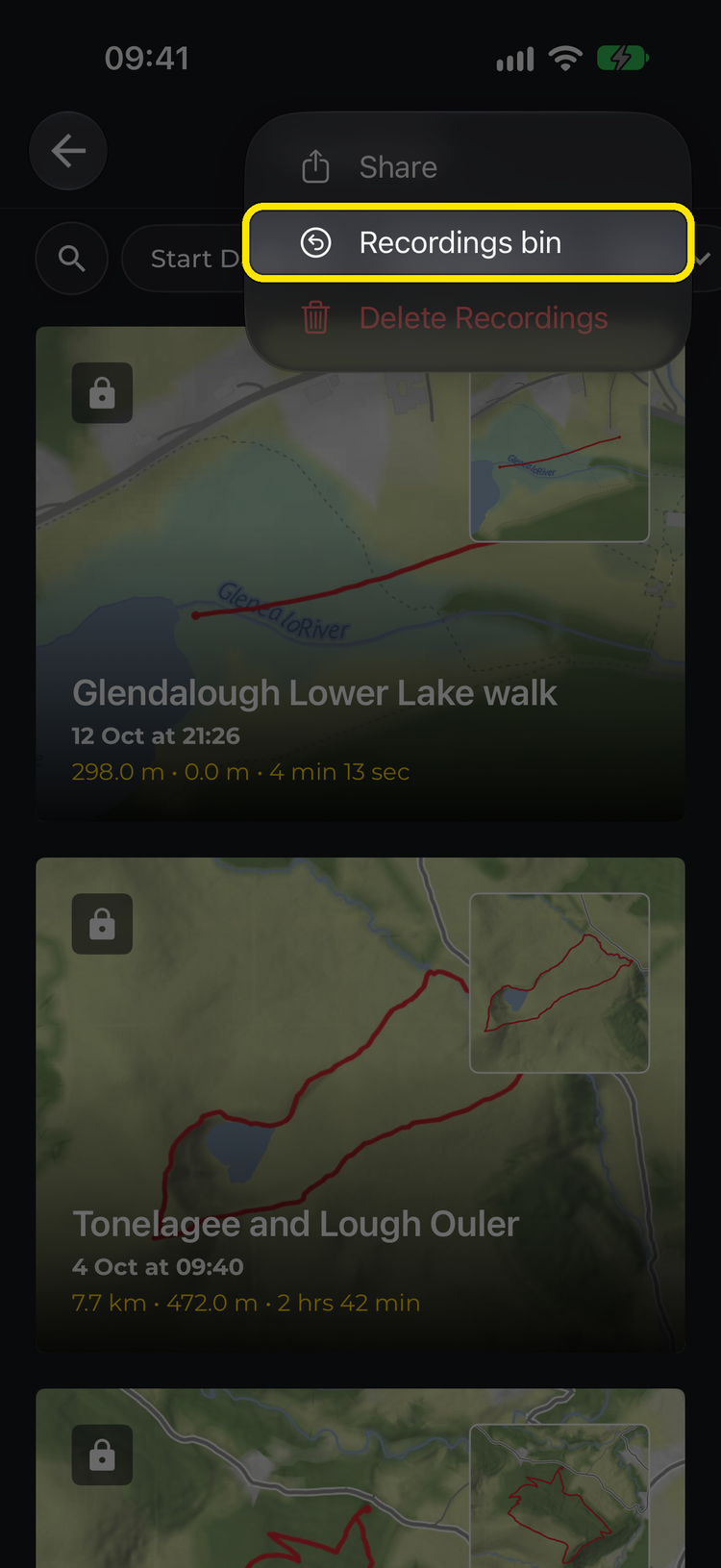
You discarded or deleted it. Go to Home > My Recordings, tap the three-dot menu at the top right and choose Recordings bin. Recordings you discard or delete stay there for 7 days. Open the recording’s options, then:
- for a recording you discarded, tap Save to my recordings, or Continue recording to carry on with it
- for a recording you deleted, tap Restore (Restore recording on Android). You can also restore deleted recordings on the website: on your My recordings page, click Bin.
A discarded recording that was never uploaded only exists on the phone you recorded it on, so it won’t appear in the bin on your other devices or the website. On Android, signing out also empties the bin, so restore anything you need first.
It hasn’t uploaded yet. A recording saved without signal shows Awaiting connection in My Recordings and uploads by itself once you’re back online. Until then it won’t show on the website or your other devices.
You can also add to a recording you’ve already saved: open it, tap More and choose Continue recording.
Related: How do I continue a previous recording? · I discarded a recording — can I get it back?