


Continue a saved recording
- Go to My Recordings and open the recording you want to continue.
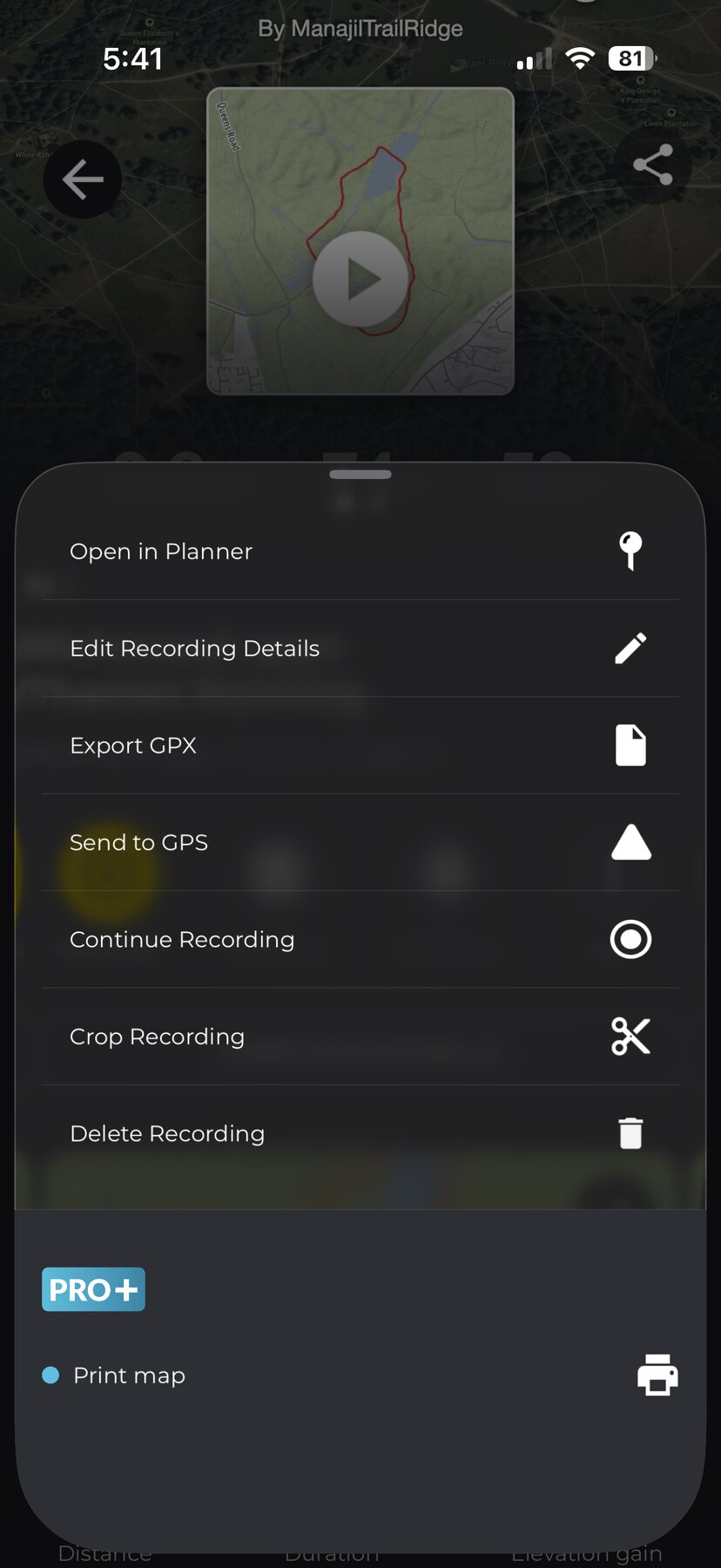
- Tap More (⋮).
- Tap Continue Recording.
- Tap CONTINUE on the confirmation.

Recording starts straight away and adds to your existing hike — a straight line joins the gap between where you stopped and where you are now. When you finish and save, it updates the same recording rather than creating a new one.

Other places you can continue from
- A recording that’s still processing — in My Recordings, tap the options button on the pending card and choose Continue recording.
- A discarded recording — in My Recordings, tap the ⋮ menu → Recordings bin, open the recording’s options and choose Continue recording. Discarded recordings are kept in the bin for 7 days. See I discarded a recording — can I get it back?
Good to know
- You can’t continue a recording while another one is running — finish or discard the current one first.
- If you change your mind while continuing, discarding removes only the section you just added — your saved recording is kept exactly as it was.
- A recording that has already finished uploading from a pending card can no longer be continued from there — open it from My Recordings instead.
- It works the same on iOS and Android.
Related: How to record a hike on HiiKER · I’ve lost a recording on HiiKER
