

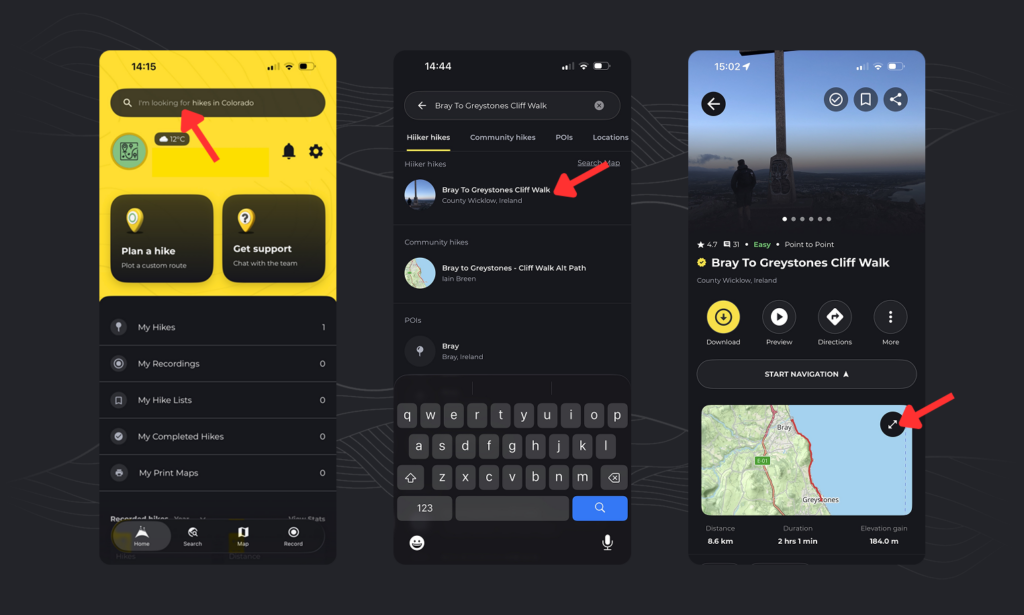
You can search for a location directly via the search option on the HiiKER app homepage
- Go to Home
- Tap text input at the top of the page
- Enter a location and tap the result
- This will bring you to this location on the map

Search via coordinates
- On any map page tap “Options” > “Go to the location”
- Choose the Grid reference / Coordinate system you wish to use.
- Enter the coordinate in the text box
- Tap “Go”
- This will bring you to this location on the map
