

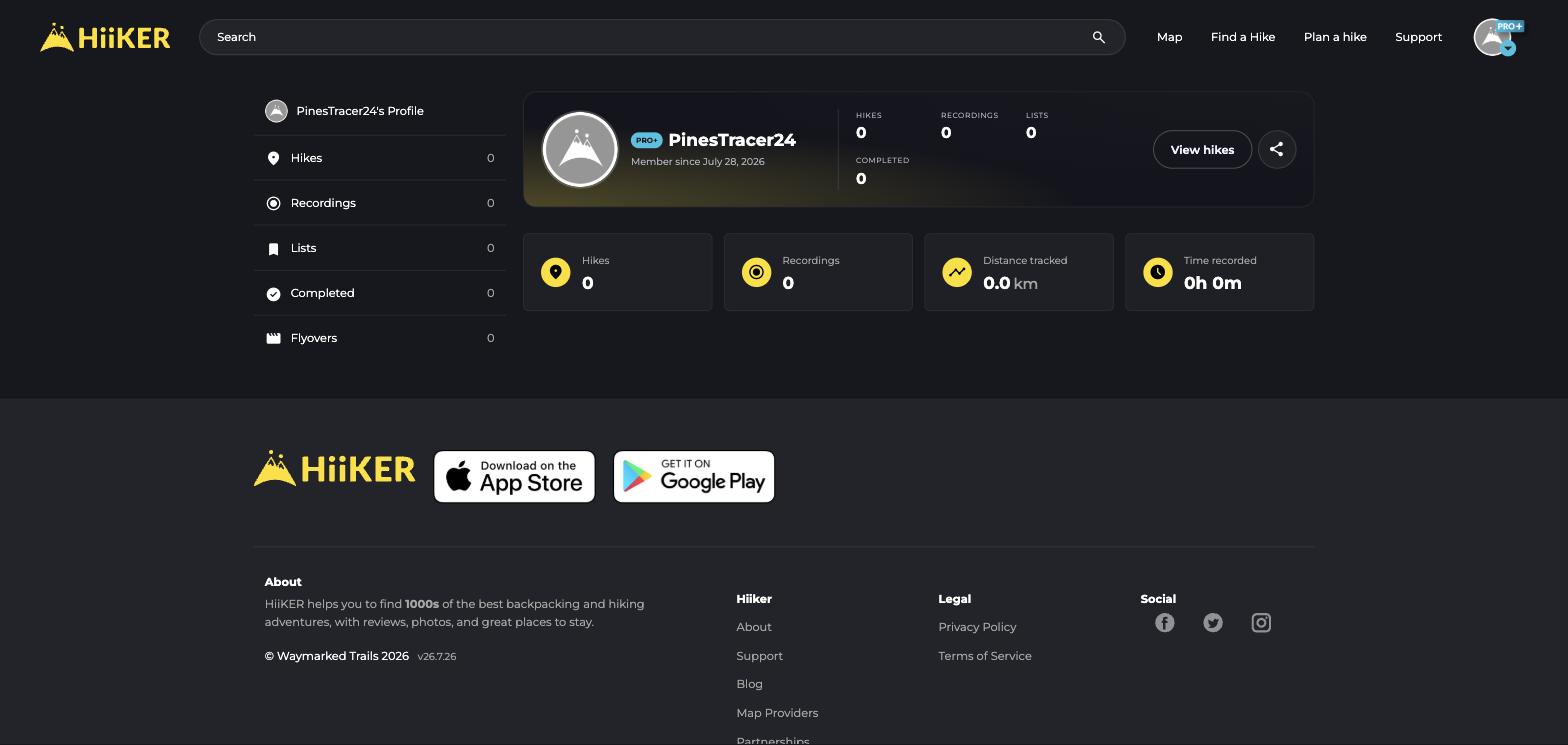
Every HiiKER account has a public profile page showing the things you’ve chosen to share — public hikes, recordings, completed hikes, lists, and flyovers, plus headline stats.
What others can see
Only content whose privacy is set to public appears on your profile. Private hikes, recordings and lists stay yours alone. Share your profile with the share button — it’s a nice way to show friends what you’ve been up to.
Controlling your privacy
- Set privacy per item when saving (or later via Edit Details).
- Turn on Private account in My Account Settings to lock your profile.
- Use Make everything private in settings to flip all your shared content to private in one click.
- The community heatmap only ever uses anonymised, aggregated data — and you can opt out in settings.
