


Yes — for 7 days. Recordings you discard, and recordings you delete after saving, go to the Recordings bin. You can get them back from there for 7 days.
In this article: Get a recording back · On the website · After 7 days · Good to know
Get a recording back from the Recordings bin
- On the Home tab, tap My Recordings.
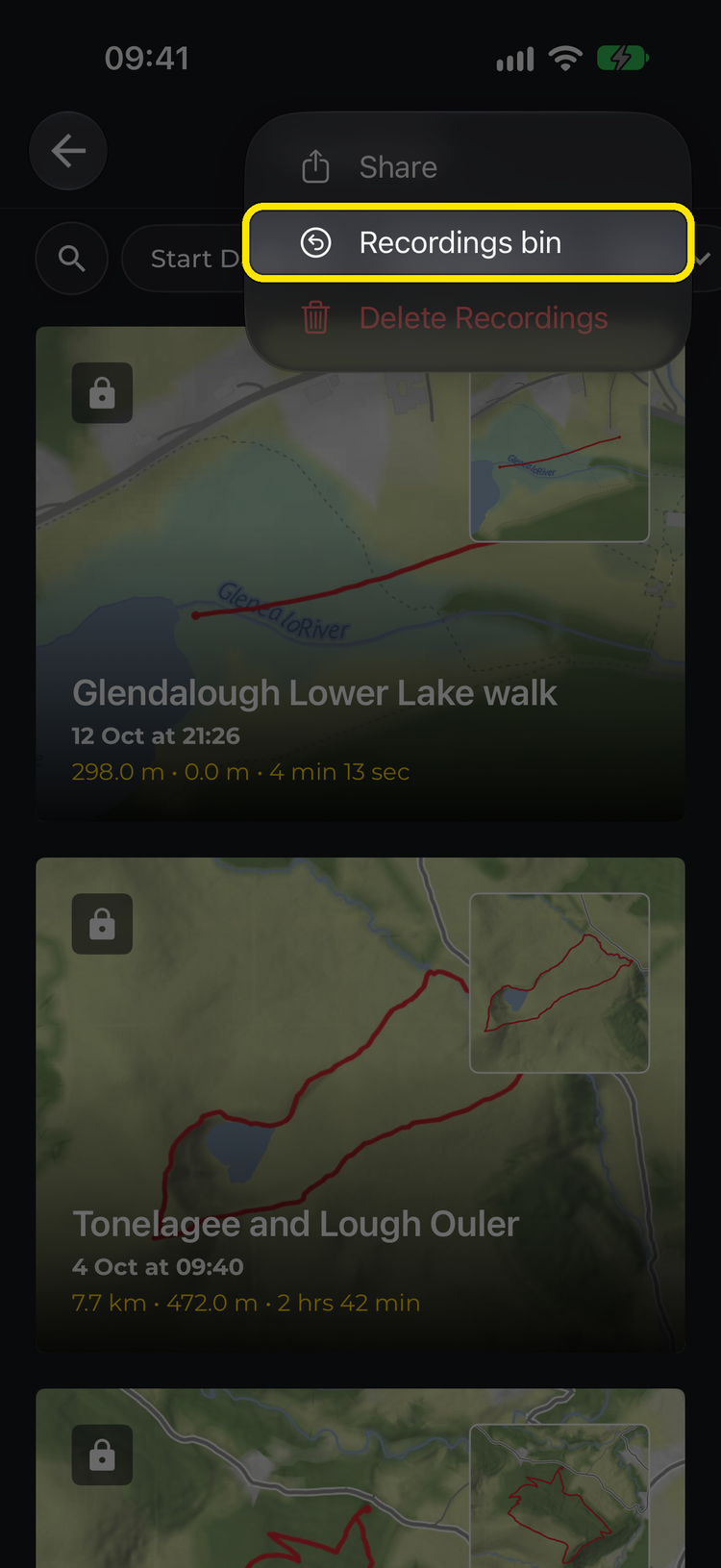
- Tap the ⋮ (more options) button at the top right, then Recordings bin.
- Find your recording and tap its ⋮ button.
- Choose what to do with it (see below).
A recording you discarded:
- Save to my recordings – keep it as a finished hike. It uploads to your account like any other recording.
- Continue recording – pick up where it stopped.
A recording you deleted: tap Restore (iPhone) or Restore recording (Android) to put it back in My Recordings.
Each card shows how long you have left: Deleted for good in 7 days, Deleted for good tomorrow or Deleted for good today.
On the website
Recordings you delete can also be restored on the website:
- Go to My recordings on hiiker.app.
- Click Bin. The button shows how many recordings are in the bin, and only appears when there’s something in it.
- Click Restore next to the recording.
Recordings you discarded in the app don’t appear on the website. They were never uploaded, so you can only get them back on the phone you recorded them on.
After 7 days
After 7 days, recordings in the bin are deleted for good.
A discarded recording was never uploaded to your HiiKER account. It only ever exists on your phone, so once it’s gone it can’t be recovered — not by us either. Get back anything you want to keep before you:
- sign out of the app, or
- delete or reinstall the app, which removes everything stored on the phone.
Good to know
- You can’t save or continue a discarded recording while another recording is running. Finish or discard the current one first.
- If you discarded a continued recording, only the newly added section was thrown away. The original saved recording is untouched and still in My Recordings.
- Deleted recordings are stored in your HiiKER account, so you can restore them from any of your devices or the website.
- The Recordings bin works the same way on iPhone and Android.
Related: How do I continue a previous recording? · Can I delete multiple recordings at once? · How to record a hike on HiiKER
