

📱 Looking to do this in the HiiKER app? See Cancelling your subscription on Apple / Android.
If you subscribed to HiiKER PRO or PRO+ through the website, everything about your plan is managed from your profile — no app stores involved.
View your subscription
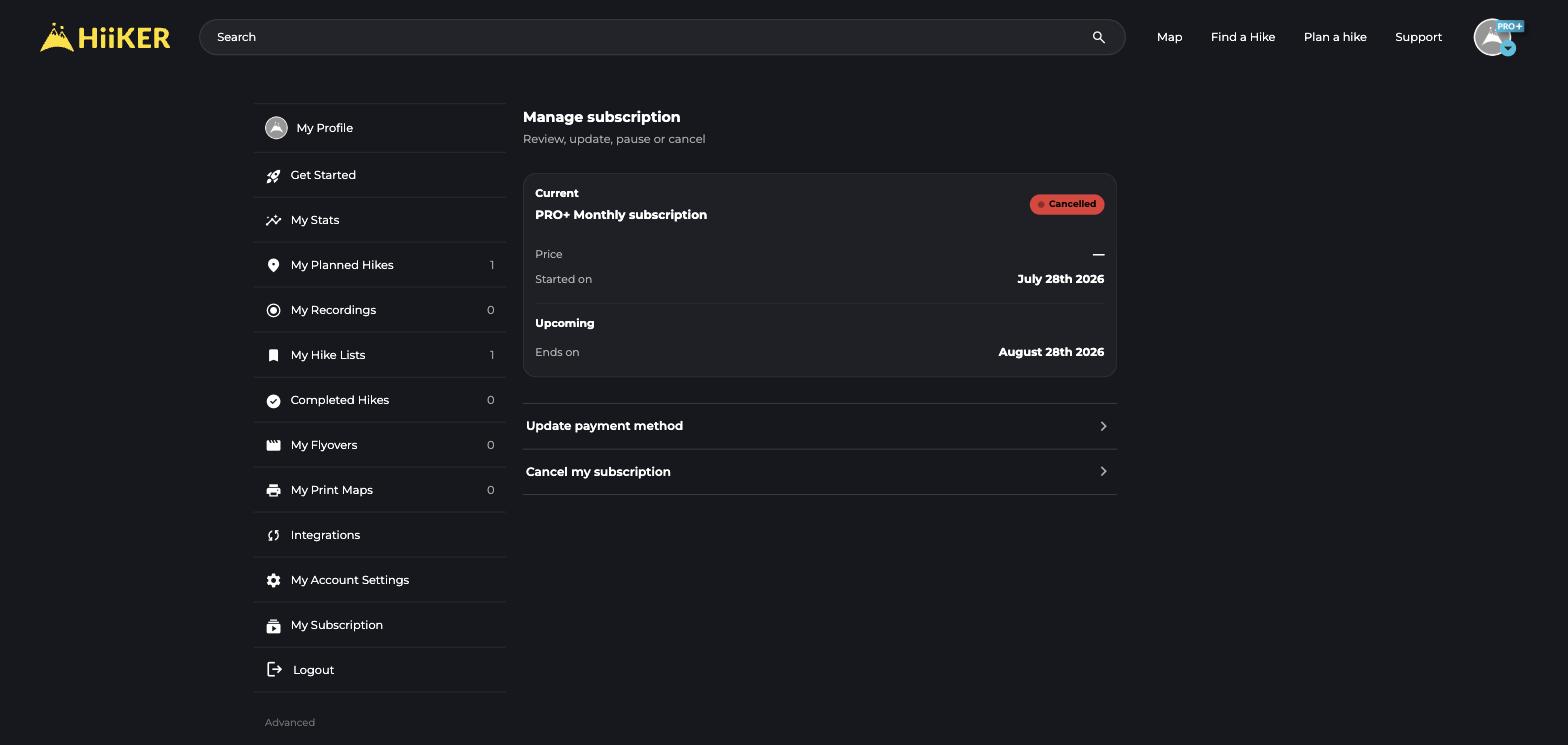
- Click your avatar → My Subscription.
- You’ll see your current plan, when it started, and when it renews or ends.
Update your payment method
Click Update payment method to open our secure Stripe billing portal, where you can change your card and view invoices.
Cancel your subscription
Click Cancel my subscription on the same page. Your PRO+ access continues to the end of the period you’ve paid for — you won’t lose it the moment you cancel. If you bought through the App Store or Google Play instead, cancellation happens there (see the app articles linked at the top).
💡 Top tip: Bought PRO+ on the website while logged out? Match it to your account at hiiker.app/purchases/claim.
