

Our support team may ask for your HiiKER User ID so they can find your account quickly. It’s a long string of letters and numbers, and you’ll find it in the app or on the website.
Find your User ID in the app
- Go to the Home tab and tap the settings icon (the gear at the top right).
- Tap App Settings.
- Scroll to the bottom of the page. Your ID is shown under the app version as User Id (Android: User ID).
- To copy it, tap it on iPhone or press and hold it on Android. You’ll see User ID copied to clipboard, and you can paste it into a chat or email.
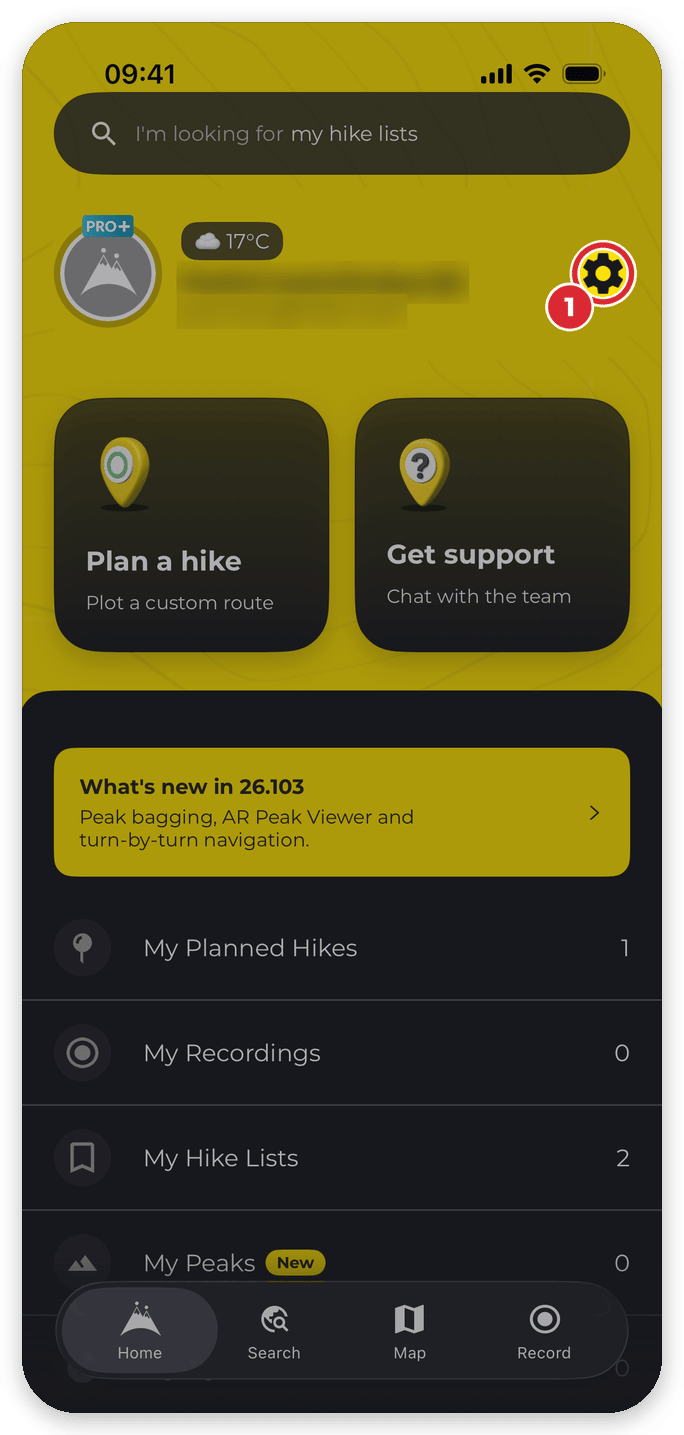


On Android, press and hold the User ID line to copy it:

Find your User ID on the website
- Log in at hiiker.app and go to hiiker.app/user/settings (My Account Settings in your profile sidebar).
- Your User ID is listed in the Account section.
Related: Requesting a refund on your HiiKER subscription · Restore purchases · I paid for PRO+ but my premium features aren’t showing
