

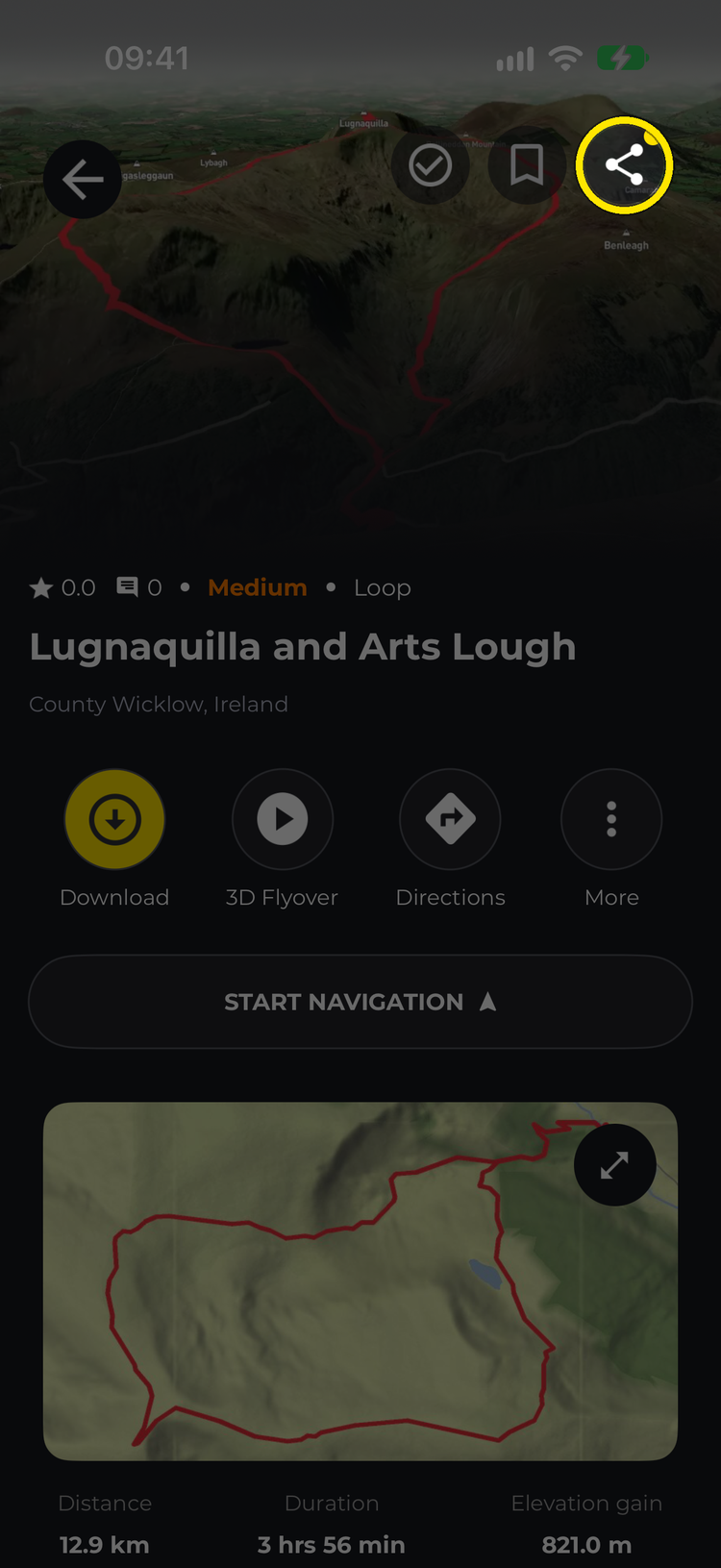
Open the hike you want to share and tap the share icon at the top of its overview page. The Share Hike screen lets you send a picture card of the hike, a link to it, or both.
On the HiiKER website? See Saving and sharing your planned hikes.
In this article: The Share Hike screen · Sharing a link · Sharing without making it public · What “public” means
The Share Hike screen

- Swipe the card to choose a design, and pick Post or Reel for its shape.
- For designs with a photo behind them, pick one of the hike’s photos, or tap Choose to use one of your own.
- Share Image opens your phone’s share sheet, so you can send the card to Instagram, WhatsApp, Messages, email or any other app.
- Share Link copies a link to the hike and opens the share sheet.
- Save Image saves the card to your photos.
- Hike trailer, at the top of the screen, turns the hike into a short video overview that you can share.
Sharing a link
You can always share the card image, even if the hike is private. A link is different: anyone who has it can open the hike, so it only works for a public hike. If the hike is already public, Share Link shares it straight away. If it’s private, the app walks you through it:
- If your email address isn’t verified yet, you’ll see “To share a hike you must first verify your registered email address”. Verify it from the email we sent (tap Resend email if you need a new one), then tap I have verified my email to carry on.
- You’ll then see This hike is private: “Do you want to update the privacy to public and share?” Tap Save to make the hike public and share the link, or Cancel to keep it private.

Sharing a hike list works the same way: a private list has to be made public before you can share its link, and you may be asked to verify your email first.
Sharing without making it public
Share Image sends a picture of the hike and doesn’t change anything about it. To give someone the route itself while keeping the hike private, export it as a file: open the hike, tap More > Export GPX and choose GPX, GPX (Garmin Compatible), KML (Google Earth) or GeoJSON. Nothing is made public or listed anywhere. See Download a hike as a GPX file.


What “public” means
Anyone with the link can open a public hike, and it can be found among community hikes in that area. It isn’t broadcast or emailed to anyone, and you can set it back to private at any time. See Your public profile and privacy on HiiKER.
Good to know: sharing a hike is not the same as Live Locator, which shares your live position with others while you walk.
Related: Live Locator · Making Hikes Official on HiiKER
