

📱 Looking to do this in the HiiKER app? See Waypoints on HiiKER.
Waypoints are your own markers — trailheads, parking spots, water sources, that perfect wild-camp pitch. On the website you manage them from the main map.
Creating and managing waypoints
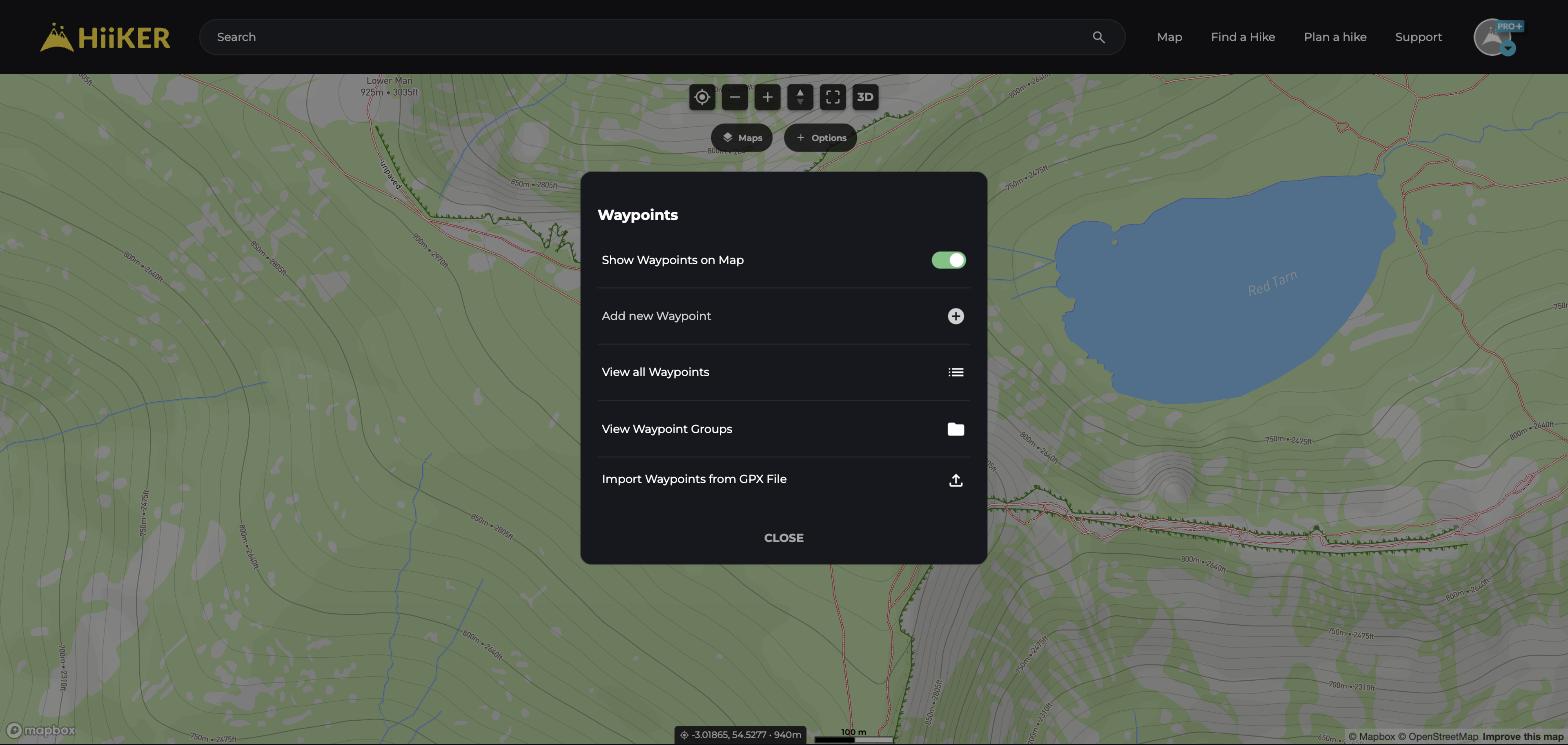
- On the map, click Options → Waypoints.
- Choose Add new Waypoint and place it on the map, or Import Waypoints from GPX File to bring them in bulk.
- View all Waypoints lists everything you’ve saved; Waypoint Groups keeps them organised.
- The Show Waypoints on Map toggle hides or shows them all at once.
💡 Top tip: Waypoints sync to the HiiKER app automatically, so anything you mark on the big screen is with you on the trail.
