

📱 Looking to do this in the HiiKER app? See How to record a hike on HiiKER.
Hikes you record with the HiiKER app (or a synced Garmin) appear automatically under My Recordings on the website — where the big screen makes them shine.
Viewing a recording
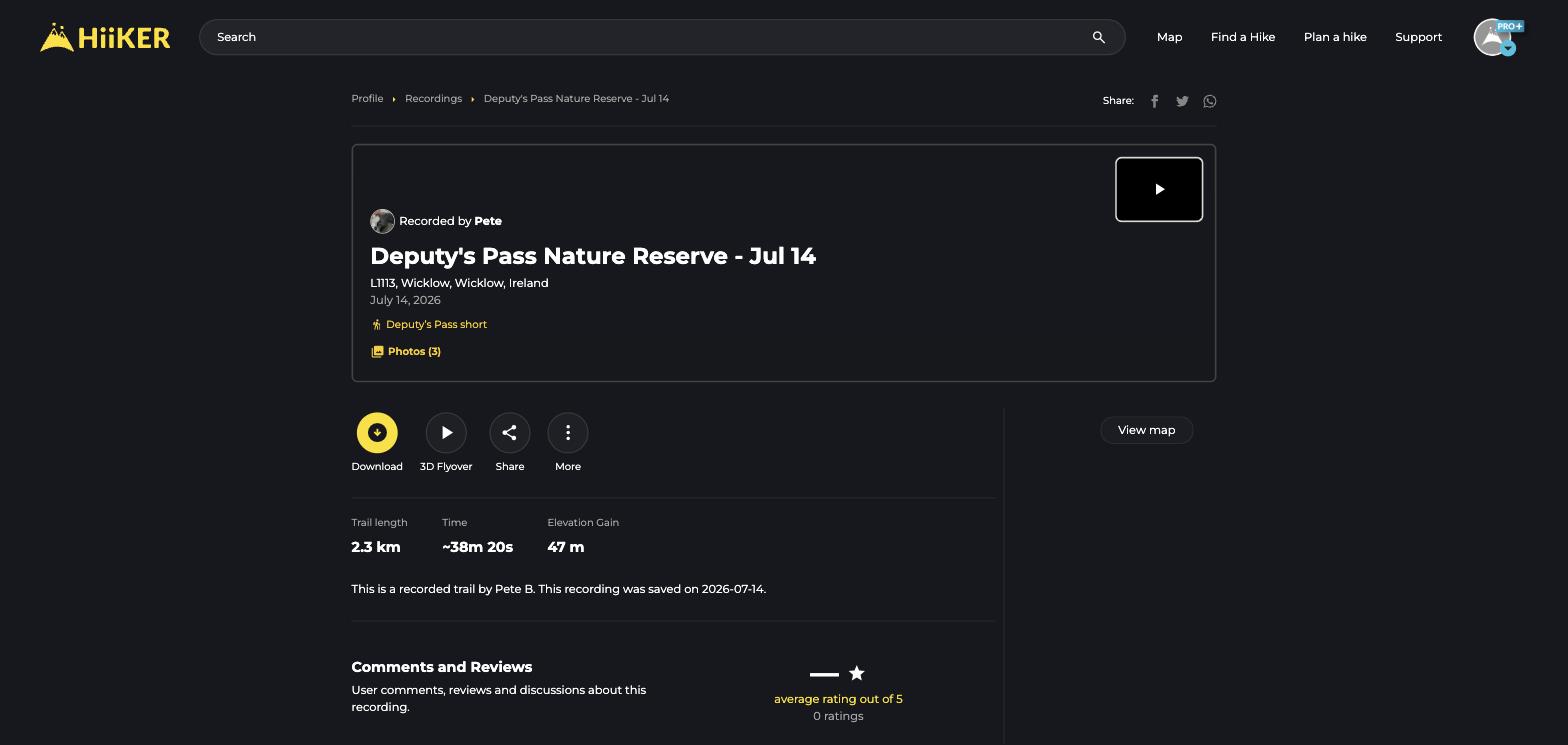
Open any recording to see the track on the map, stats (distance, time, elevation), photos, and a 3D Flyover replay. Public recordings have their own shareable page anyone can view.
Editing, exporting and more
- Edit details — rename the recording, edit its description, or change its privacy.
- Crop — trim the start or end of the track (that bit where you forgot to stop recording in the car park).
- Download — export as GPX, KML or GeoJSON.
- Copy to hikes — turn a recording into an editable planned hike.
- Import — upload a GPX track from another device as a new recording, from the My Recordings page.
